
Download KeyFreeze – keyboard lock, mouse lock, focus tool, input blocker, child safety
Overview
KeyFreeze is a lightweight utility designed to provide users with immediate control over their computer’s input devices. The application enables users to lock both the keyboard and mouse with a single double-click, ensuring that no accidental inputs can interfere with ongoing activities. This functionality makes it particularly useful during video playback, presentations, or any scenario where uninterrupted focus is essential. The tool is especially beneficial for families, as it allows parents to prevent young children from accessing or altering system settings, thereby maintaining a safe and controlled digital environment.
Designed with simplicity and efficiency in mind, KeyFreeze operates without requiring installation, allowing it to be run directly from any location on a Windows system. Its minimal footprint—just 1.2 MB—ensures it does not consume system resources, making it suitable for older or low-spec devices. The application has been available since 2011, indicating a long-standing presence in the utility software space, though it has not seen recent updates. Despite its age, it continues to serve a niche but valuable purpose for users seeking a no-frills input blocker.
While the developer, Ryan J. Boudreaux, is credited with its creation, no additional background or company information is available. The app’s core function remains consistent: to disable input devices securely and reliably. Its enduring relevance stems from its straightforward approach and the absence of complex configurations, making it accessible even to non-technical users. In the broader context of digital productivity and family safety tools, KeyFreeze stands out as a specialized solution for temporary input control.
Key Features & Functionality
- Portable Operation: KeyFreeze requires no installation, allowing users to run it directly from a USB drive, desktop, or any folder. This portability ensures it can be used across multiple devices without leaving traces or requiring admin rights.
- Double-Click Lock: Activating the lock is as simple as double-clicking the executable. This instant response enables users to quickly disable input during critical moments, such as watching a movie or delivering a presentation.
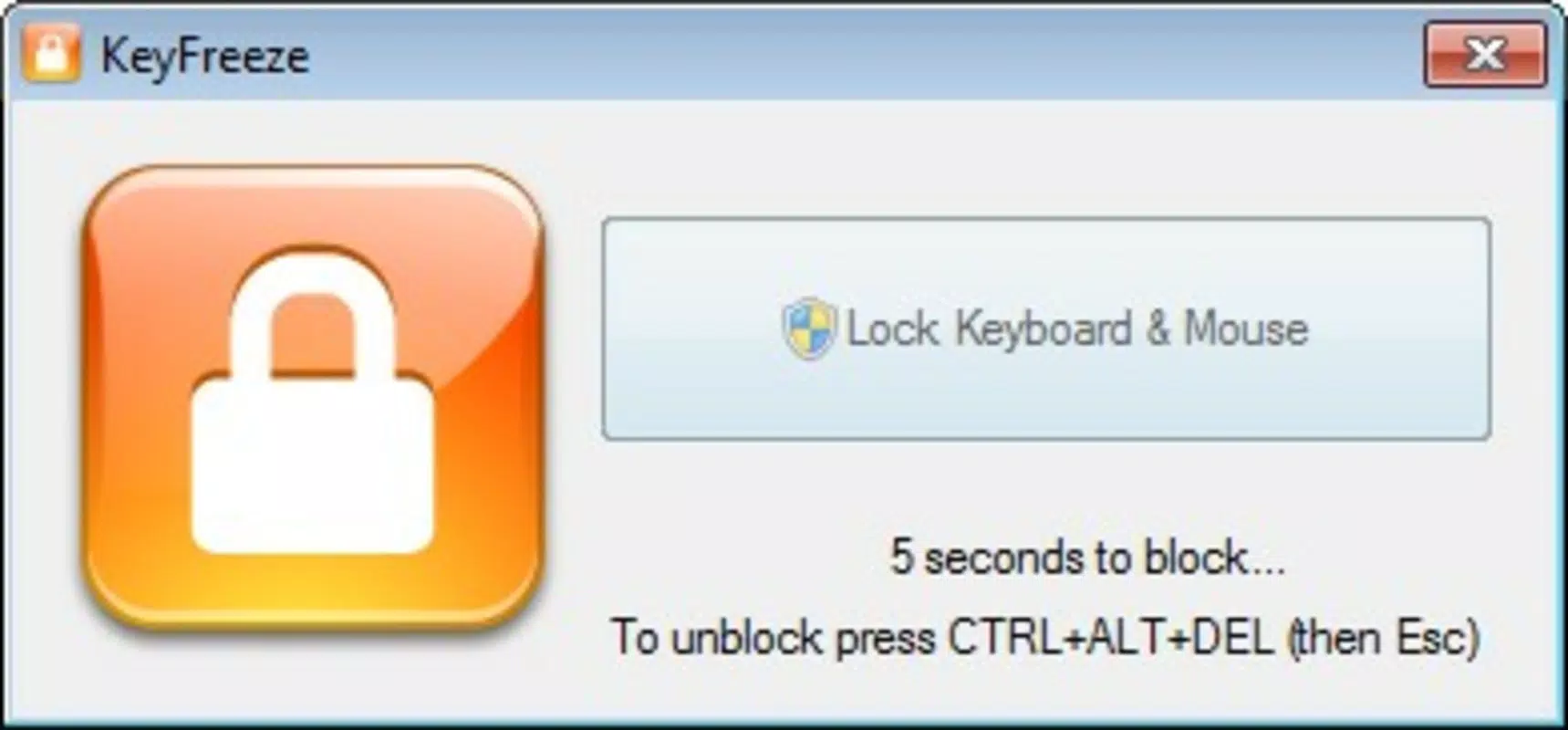
- Single Unlock Method: The only way to regain control is by using the traditional Ctrl+Alt+Delete combination. This deliberate approach prevents accidental unlocks while ensuring a reliable recovery path.
- Child Safety Focus: By disabling keyboard and mouse input, the app helps prevent children from changing settings, closing windows, or accessing inappropriate content during shared screen time.
- Minimal Resource Usage: At just 1.2 MB, KeyFreeze consumes negligible system resources, making it suitable for older systems or devices with limited storage.
Real-world use cases include parents watching a movie with young children, presenters delivering slideshows, or users engaging in high-concentration tasks where distractions must be eliminated. The app’s simplicity means it can be deployed instantly without training or setup, offering immediate peace of mind. Its focus on a single, well-executed function—input blocking—ensures it performs reliably without unnecessary features that could complicate the user experience.
Interface, UX & Performance
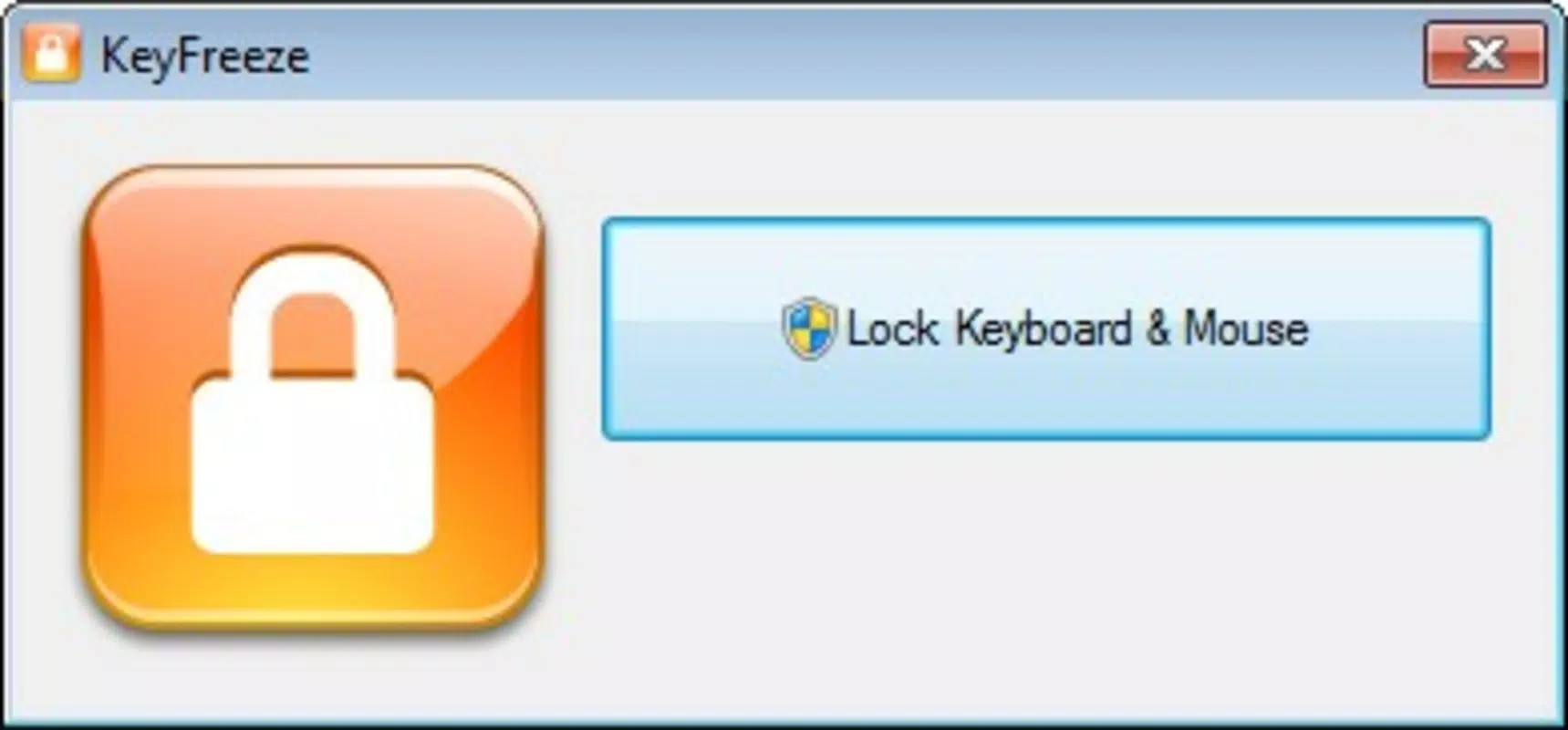
KeyFreeze features a minimal interface, consistent with its utility-focused design. Upon execution, the application runs in the background with no visible window or persistent UI, reducing visual clutter. This design choice enhances its usability, as users do not need to manage a dashboard or settings panel. The lack of a graphical interface also contributes to its low resource consumption and fast startup time.
Navigating the app is intuitive: a double-click locks the input devices, and the Ctrl+Alt+Delete sequence restores access. There are no menus, options, or configuration screens, which streamlines the user experience. Although the developer did not list formal performance metrics, the app’s lightweight nature suggests it operates smoothly on a wide range of Windows systems, including older hardware.
Responsiveness is immediate—locking occurs within milliseconds of the double-click. Stability appears consistent, as the app does not require ongoing system monitoring or background processes. However, no information was provided regarding crash rates, compatibility with newer Windows versions, or potential conflicts with other software. Users should be aware that the app’s age may limit support on modern systems, though it remains functional for basic input blocking.
Platform Compatibility & Technical Requirements
KeyFreeze is designed for the Windows operating system. The app is distributed as a portable executable file, meaning it does not require installation and can be launched from any directory. The file size is 1.2 MB, indicating a compact and efficient design.
The developer did not specify minimum OS requirements or version compatibility. While the app was released in 2011, it may still function on modern Windows versions such as Windows 10 and Windows 11. However, users should exercise caution when running older executables on updated systems, as compatibility and security features may vary. No information was provided regarding specific hardware requirements or dependencies.
Although the developer did not list formal performance metrics, the app’s small size and lack of installation suggest it is compatible with a wide range of devices, including low-end systems. Users should verify compatibility with their specific Windows version before use.
Pros and Cons
- Lightweight and portable—no installation required
- Instant lock via double-click
- Secure unlock method using Ctrl+Alt+Delete
- Effective for child safety and focus scenarios
- Minimal system resource usage
- Outdated release date—no recent updates
- No visible interface or feedback after activation
- Compatibility with modern Windows versions not confirmed
- No configuration options or customization
- Developer details not publicly available
FAQ
Is KeyFreeze safe to use on my computer?
Yes, KeyFreeze is a standalone executable that does not install any software or modify system settings. As long as it is downloaded from a trusted source, it poses minimal risk. However, users should exercise caution when running older executables on modern systems.
Can I use KeyFreeze on Windows 10 or Windows 11?
The app was released in 2011, and while it may function on newer Windows versions, compatibility is not officially confirmed. Users should test it in a safe environment before relying on it for critical tasks.
How do I unlock my keyboard and mouse after using KeyFreeze?
The only method to unlock is by pressing Ctrl+Alt+Delete. This combination is standard across Windows systems and ensures a reliable recovery path.
Does KeyFreeze require internet access?
No, KeyFreeze operates offline and does not require internet connectivity. It runs as a local utility with no cloud-based features.
Can I customize the lock or unlock behavior?
No customization options are available. The app uses a fixed double-click activation and Ctrl+Alt+Delete unlock method. There are no settings or preferences to modify.
Final Thoughts
KeyFreeze remains a niche but effective tool for users seeking a simple, reliable way to lock keyboard and mouse input. Its portability, minimal size, and straightforward functionality make it ideal for temporary focus, presentations, or child safety scenarios. While its age and lack of updates raise compatibility concerns, its core function continues to deliver value in specific use cases.
For users who need a no-frills input blocker without installation or configuration, KeyFreeze offers a dependable solution. It excels in environments where simplicity and security are prioritized over advanced features.
Download KeyFreeze now


